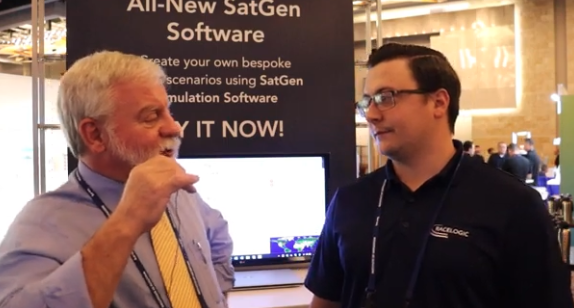
GPS World Editor-in-Chief, Matteo Luccio, met with Elijah Owens, technical sales engineer, Racelogic, to highlight the company’s new Labstat 4 technology and more from ION GNSS+ 2023.
Tag: videos
-
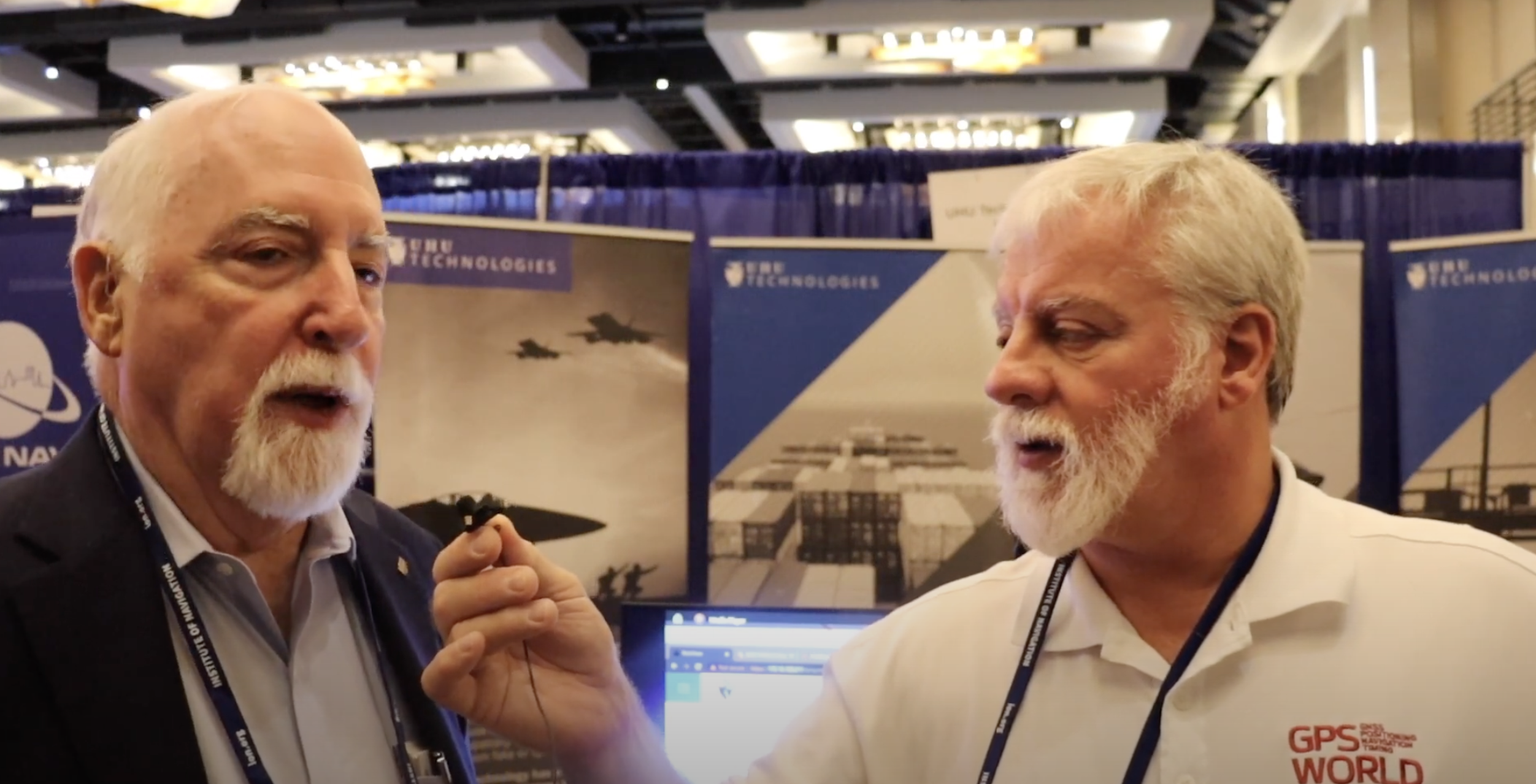
ION GNSS+ 2023: UHU Technologies
GPS World Editor-in-Chief, Matteo Luccio, met with UHU Technologies President, Jeffery Sanders, to discuss the company’s new four channel system, seven channel system, their applications and more from the ION GNSS+ 2023 show floor.
-
Global Mapper update improves 3D tools
Blue Marble Geographics is offering a version 18.1 update to Global Mapper that includes numerous functional enhancements and introduces an new tools, upgrades to existing components, performance improvements and support for new formats and online data sources.
The release of version 18 of Global Mapper in September 2016 introduced a redesigned interface with significantly improved layer and workflow management as well as enhanced 3D display.
Building on this foundation, version 18.1 further improves the 3D experience with a new option to freeze the 3D View while working in the adjacent 2D view, speed improvements when rendering raster or 3D model formats, and improved functionality for creating 3D fly-though visualizations. For lidar module users, a new data quality-control tool is available for adjusting point cloud elevations to match surveyed ground control points.
Blue Marble’s GIS software is used by hundreds of thousands customers throughout the world who need affordable, user-friendly, powerful GIS solutions. Users are in industries including software, oil and gas, mining, civil engineering, surveying and technology companies, as well as government departments and academic institutions.
The release of version 18.1 offers numerous enhancements that are a testament to the ever-increasing importance of 3D data. Global Mapper’s 3D view, which introduced the ability to display an “infinite view” of all loaded 3D data in version 18, now offers the option to pause the 3D rendering when interacting with the 2D map. This streamlines workflow and significantly improves memory usage by eliminating the need to continually refresh the display.
The rendering speed for 3D raster layers as well as 3D models has also been drastically improved. When creating a 3D fly-through visualization or recording, the flight parameters now include bank angle, to more realistically simulate a pilot’s eye view, and variable velocity, allowing the flight speed to be adjusted between segments.
Other enhancements in version 18.1 include a new option to calculate a summary of the color statistics in a raster layer within a defined area; faster loading and display of large vector files such as shapefiles; support for many new formats, including exporting of LandXML and importing of RMaps/MBTiles and BPF lidar files; and expanded online data options including the General Bathymetric Chart of the Oceans (GEBCO).
Users of the optional Global Mapper Lidar Module, which provides advanced point cloud processing tools, can now perform precise quality control of their data against established ground control points. This allows the elevation values associated with each point to be adjusted to conform to the surveyed elevations at these locations.
“With more and more data having a height or elevation component, the importance of Global Mapper’s 3D viewing capability is underlined,” stated Blue Marble President Patrick Cunningham. “For several years, our development priority has been to optimize the user experience when interacting with lidar, DEMs or other 3D layers and with the release of version 18.1 we are seeing some of the results of that effort with more display control, improved 3D interaction, and stunning 3D visualization.”
Blue Marble application specialists will be conducting a live webinar on Tuesday, March 21, during which they will showcase the highlights of this release. This hour-long presentation is scheduled to begin at 2 p.m. (U.S. Eastern Time) and it will provide an opportunity to both see the latest tools and to ask questions about the new functionality. Space is limited and registration is required so be sure to sign up today.
For a complete list of new features and enhancements or to download a trial copy of Global Mapper 18.1, visit the website.
-
INTERGEO in Stuttgart Looks to Mapping’s Future
GPS World staff will cover the 2015 INTERGEO Trade Show, being held Sept. 15–17 in Stuttgart, Germany. The show opens with keynote speeches by Chris Cappelli (Esri) on location platforms and Georg Gartner (Vienna University of Technology) on the future of the map.
INSPIRE examines geo-issues from a European perspective, providing practical examples and focusing on further development of this European directive. Other central themes include geodata as a basis for construction management and land development, as well as issues relating to property markets and valuation.
A panel discussion on the second day tackles geospatial Information with a high-profile panel of speakers: Bengt Kjellson (UN-GGIM Europe), Ola Rollen (Hexagon), Steve Berglund (Trimble) and Chris Cappelli (Esri). Another key topic is geoinformation and mobility. DDGI and DVW will be addressing this together and discussing practical examples in two event strands.
A Big Data discussion focuses on the rapid development of data capture, processing and presentation as well as the direct integration of data into business processes.
As important as data may be in the digital world, it is also crucial to have the right visualization concepts in place. This will be demonstrated through presentations on German Cartographers’ Day, which will form part of INTERGEO.
Tap into our up-to-the-minute show coverage here at gpsworld.com and via Twitter (@GPSWorld). Below are the GPS World videos from INTERGEO 2014.
-
Remote Geosystems Releases Full-Motion Video Tools
Remote GeoSystems, Inc., an Esri Emerging Business Partner, has released two new Esri-based Geospatial Full Motion Video (FMV) Inspection & Reporting Solutions: LineVision Esri ArcGIS and LineVision Esri ArcMap Add-In.
LineVision Esri ArcGIS and LineVision Esri ArcMap Add-In are open and versatile geospatial video analysis and inspection data reporting tools for the Esri platform. Both LineVision Esri versions will accept properly formatted video from a variety of consumer GPS video cameras, UAV/UAS platforms, gyro-stabilized camera systems and specialized geospatial DVRs; including the Remote GeoSystems geoDVR.
LineVision Esri ArcGIS and LineVision Esri ArcMap Add-In enables users to geospatially “navigate” a video recording by simply clicking a location along a GPS track positioned over an Esri-based map. As the video plays, a cursor moves along the GPS track, constantly indicating where the current video view was captured. If something of interest is detected in the video, users may pause and capture a geo-tagged still photo from the video.
The software can play up to four geospatially-synchronized videos at once, enhancing the capabilities of modern airborne multi-sensor HD/IR/UV gimbal cameras and terrestrial mobile mapping systems.
In addition to geo-tagged video, LineVision Esri ArcGIS and LineVision Esri ArcMap Add-in also support geospatial positioning of still photos, audio, annotations and any other digital documents. Along with the video, all these media files can be saved as a .geoProject™ file for the ultimate in data portability and simple delivery to clients.
LineVision Esri ArcGIS. LineVision Esri ArcGIS is a “stand-alone” desktop software that leverages the Esri ArcGIS platform to map, analyze and package geospatial full motion video (FMV), photos, annotations, documents, SHP files and raster imagery. It is designed for rapid adoption and ease-of-use so now anyone without GIS experience can easily view this valuable asset location-based multimedia using enterprise maps and imagery provided by ArcGIS for Server, ArcGIS for Desktop or ArcGIS Online. Users do not need to have other Esri software installed.
LineVision Esri ArcMap Add-in. LineVision Esri ArcMap Add-In offers all the same capabilities as LineVision Esri ArcGIS but as a “traditional ArcMap Add-In,” leveraging Esri’s powerful desktop GIS environment. Users will need to have Esri ArcMap software installed.
“Esri customers have been asking for a solution that simplifies post-mission geospatial video analysis and project reporting while leveraging the enterprise GIS capabilities and data available from ArcGIS Online, ArcGIS for Server and ArcGIS for Desktop. We’re excited to see that utilizing the resources available from Esri’s Startup Program, Remote Geo was able to quickly migrate their LineVision software to the ArcGIS platform,” said Kurt Daradics, EsriEmerging Business Group Manager.
“LineVision Esri ArcGIS and ArcMap Add-In are the first of many solutions to align our geoDVR, LineVision and geoProject capabilities with Esri’s technology stack,” said Jeff Dahlke, Remote GeoSystems Managing Director. “Geospatially-intelligent video is now being recognized as a corporate asset that reduces real risks and costs. Offering solutions that leverage Esri is critical as we roll out our enterprise geospatial video management offerings.”
Key features include:
- Multi-channel Geo-referenced HD Video Playback
- Snap Geo-tagged Still Photos from Video
- Use Waypoint Navigator to Quickly Jump to POIs Identified In-mission
- Mark Locations with Annotations and Attach Any Document or File
- Add Local Shapefiles & Raster Data
- Connect to ArcGIS Online & ArcGIS for Server
- Add & Edit Documents and Files Right on the Map
- Create Portable .geoProject File Packages
Pro & Viewer Editions Available
Both LineVision Esri ArcGIS and LineVision Esri ArcMap Add-In are available in Pro (Professional) and Viewer editions. The primary difference between the two versions is Pro will allow you to create and save information-rich, immersive geoProject reports with all related files, whereas Viewer is primarily designed for viewing and interacting with previously-saved geoProjects.
-
Geospatial a Surprising Highlight of eMerge Trade Show
Two weeks ago I helped a colleague with a trade show in Miami called eMerge Americas. This was a general-interest trade show focused on U.S. and Latin American trade and economic development. It wasn’t GEOINT or an ESRI users conference, so I didn’t expect any significant geospatial exhibitors, but I was wrong.
In fact, there were so many geospatial-related displays, I decided to build my column around it — not because there were new developments, but to give you a feel for how business in general is being exposed to and shaped by our geospatial technology.
I found so much visual content that under the “picture is worth a thousand words” philosophy, I shot video clips of exhibitors so that you could quickly hear and see their stories. I discovered a number of true start-up businesses, as well as a large area devoted to showing robotics from local school programs. You may not have the time to view each clip, so the following are brief descriptions of each exhibitor that caught my attention:
Introduction to eMerge Americas
Esri. Because Latin America is a large and growing market, Jack Dangermond had his team there.
Indra. A large Spanish firm demonstrating their end to end solutions including building 3D models overlaid on Google.
Cisco. Cisco had a very large display showing city management of transportation/utilities/ planning using geospatial tools and management systems.
Fish. A company that tracks people and assets using RFID tags and indoor location technology.
Florida International University. FIU had numerous technology displays but their autonomous catamaran doing bathymetry data collection and mapping was impressive.
CartoData. This was a Mexican firm doing some very impressive end-to-end solutions including the use of Pix4D to build 3D models from UAV data.
ImPlaces. A small start-up that builds Smartphone GPS location enabled applications for self guided tours such as museums, parks, real estate, etc.
Baptist Health. Baptist Health demonstrated its 3D remote surgery system that was dimensionally scalable. These systems permit a surgeon to work at a macro level while the surgical tools operate a at microscopic level.
ICONICS. A company that can zoom from a country or regional map down to the detail of an individual valve in a specific plant using CAD/BIM data.
RangeVideo. A UAV company with a very flexible platform and 3D operator viewing goggles.
ALTA Systems. An alternative to powered UAVs.
SnowLizard Products. A small start up building durable waterproof Smartphone cases with Bad Elf GPS and solar panel recharging.
Catbird. A data system security oversight system.
VSN 360. There was a lot of interest in this product. VSN was showing a new 4K HD quality 360-degree video camera a little bigger than a coffee mug with many features. My video of a video didn’t do it justice, so here is a link to the demo video.
For fun, view these non-geospatial exhibitors:
Holography Box USA. A portable, rear projection, point-of-sale video display that looks like a 3D hologram.
TeamSandTastic. A company that provides sand sculptors for trade shows or other events. Doesn’t sound exciting, but just like a Zamboni clearing the ice, you can’t stop watching as an artist turns a pile of sand into a sculpture.
Robotics. Local students show off their robotic construction efforts and operational talents.
Because eMerge has been so well received, I’m happy to see plans are in place to make this an annual event. Latin America is a large and growing market with many talented individuals, some of whom I met at this conference. As a country, we seem to take Latin America for granted, but this a region that shares our values. We need to nurture our relationships and work to prevent the kind of attitudes found in areas hostile to American values.
-
Global Mapper v16.1 Introduces 3D and UAV Video Playback Tools
Global Mapper version 16.1, what Blue Marble terms an “interim release,” adds a UAV Video Playback Tool, new options to rotate the map view, and the ability to select and measure features in the 3D viewer. It is available for download.
To introduce the new version, Blue Marble is presenting a free webinar titled “What’s New in Global Mapper v16.1” on February 19 at 2 p.m. EDT.
The release includes a variety of updates to both the Global Mapper base product and the optional LiDAR Module. A new video playback tool allows users to play a video derived from the flight of an aircraft or UAV. The playback option displays a video file synced to any line feature with per-vertex times, fly-through lines or point features with recognized timestamp attributes.
Version 16.1 of Global Mapper also offers the option to rotate the map view as needed, allowing the user to more clearly visualize any spatial data with a unique alignment. The automatic “Track Up” mode works when connected to a GPS device and rotates the map view based on the current GPS heading. The new release also introduces the ability to select vector features with the Digitizer tool in the 3D Viewer. This functionality links the 2D and 3D maps, allowing users the option to pan, zoom, measure, and add vector data in one viewer while automatically replicating actions and updating features in the other. The right-click menu enables users to perform many Digitizer operations on the selected features in the 3D window.
Single-user license upgrades for version 15 are available for $169; upgrades are also available for USB dongles and network licenses. To purchase a dongle or network license upgrade, contact sales at [email protected].
 Two weeks ago I helped a colleague with a trade show in Miami called